The guard tour question
A guard tour system should prove that patrols happened. That sounds narrow, but the buying decision usually opens a bigger question: do you only need checkpoint proof, or do you need a connected security operations system?
There are four common options.
Option 1: Paper logbooks
Paper is cheap and familiar. Guards write down patrol times, supervisors review the book, and the site keeps a physical record.
The weakness is obvious: paper is not strong proof. Entries can be incomplete, illegible, late, or written after the fact. Paper also does not connect to incidents, GPS movement, client updates, or exportable reports without manual admin work.
Paper can still be a backup, but it should not be the main evidence layer for a modern guard operation.
Option 2: Dedicated guard tour hardware
Dedicated guard tour devices can be durable and purpose-built. They are often used where phones are not allowed, where devices need to survive harsh conditions, or where a company wants a tightly controlled patrol-only workflow.
The tradeoff is that hardware can become another silo. You may prove checkpoint visits, but incident reporting, guard profiles, client communication, panic alerts, and site records still live somewhere else. Hardware also adds procurement, charging, replacement, and device-management work.
This can make sense for very specific environments, but it may be more than a smaller operation needs.
Option 3: GPS-only tracking
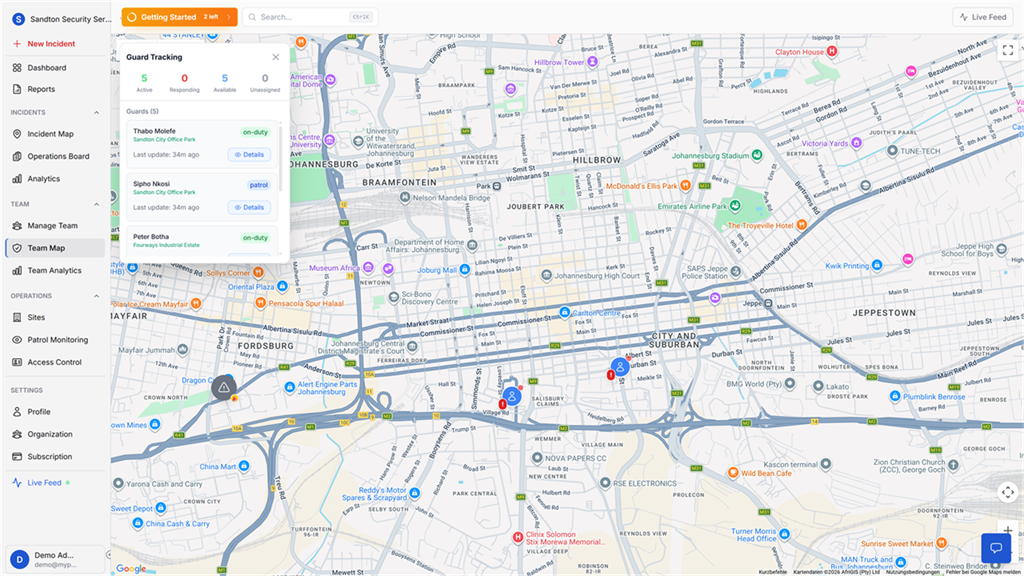
GPS tracking shows where a guard moved during a shift. It is useful for live visibility and after-shift evidence.
But GPS alone does not always prove that a guard reached a precise physical checkpoint. A route line can show movement near an area, while a mounted QR code proves the guard was close enough to scan that checkpoint.
GPS-only systems are strongest when the main problem is live visibility. They are weaker when the main problem is checkpoint compliance.
Option 4: Mobile-first security operations software
Mobile-first security operations software combines several workflows in one place:
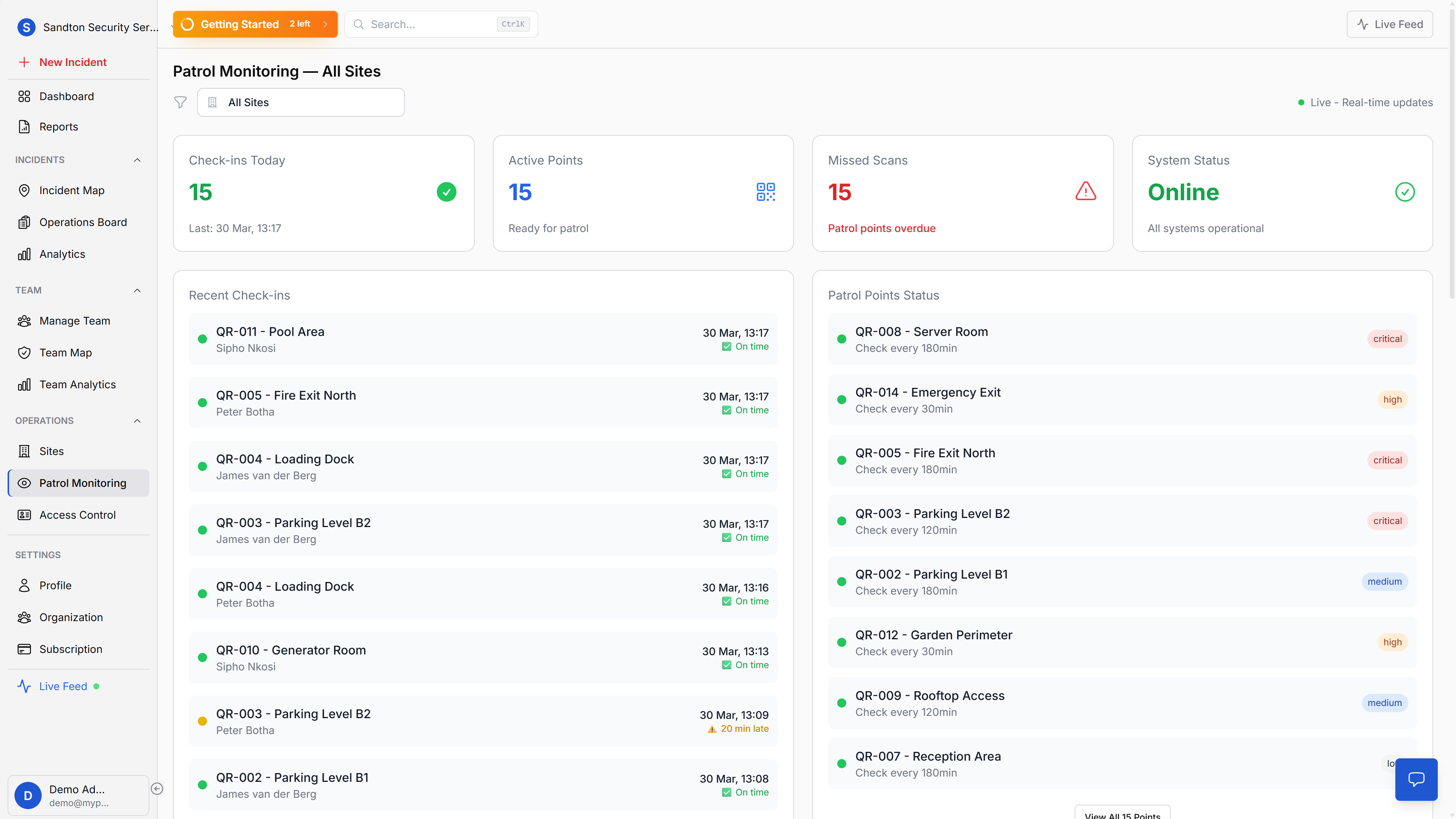
- QR checkpoint scans for patrol proof
- GPS shift movement history for route context
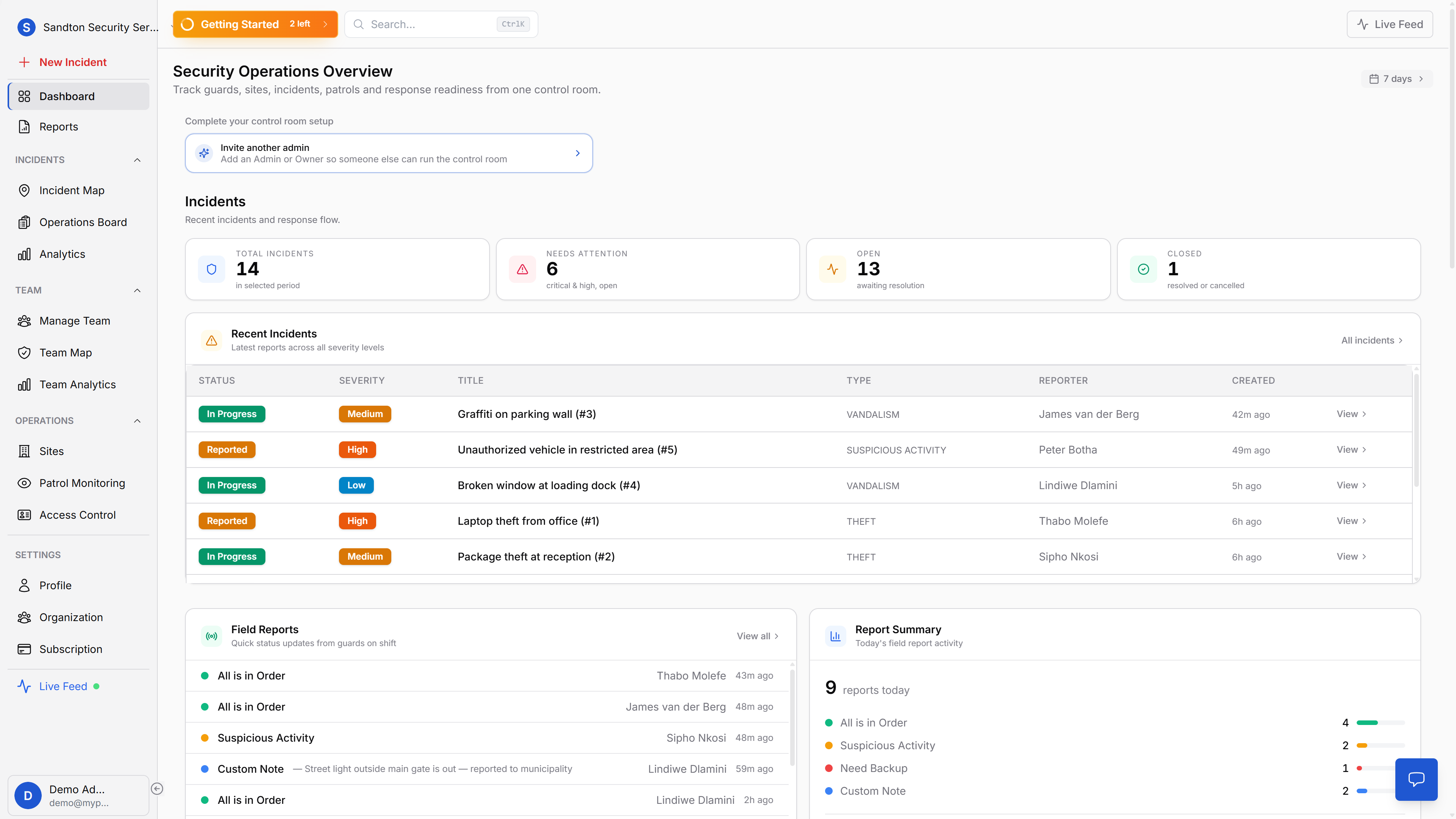
- incident reporting with photos and location context
- site management for operational structure
- client-visible updates after admin review
- reports and exports for evidence
- panic alert workflows for emergency coordination
This is where MyProtektor fits. It is not only a guard tour system. It is a security operations platform with QR patrol verification as one part of the workflow.
How to choose
Use the smallest system that solves the real operational problem.
If the problem is only "we need a patrol timestamp," a simple QR or hardware guard tour system may be enough.
If the problem is "we cannot prove service quality, incidents are scattered, guards are hard to track, and client reporting takes too long," a connected platform is usually the better direction.
Where MyProtektor is strongest
MyProtektor is strongest when a team wants patrol proof to connect with the rest of the operation.
Patrol scans do not sit alone. They connect to sites, shifts, guard identity, GPS movement history, incidents, access control, and reporting. That gives managers a fuller answer when a client asks what happened on site.
For teams that want to keep hardware simple, guards can use Android or iOS smartphones instead of dedicated patrol devices.