What QR patrol verification is meant to prove
QR patrol verification answers a simple operational question: did the guard physically visit the checkpoint during the shift?
Paper logbooks answer that question weakly. A handwritten entry can be late, incomplete, or written from memory. A phone call can confirm what someone says happened, but it does not create a reliable record. QR patrol verification gives the field team a physical checkpoint to scan and gives the operations team a timestamped record they can review later.
The goal is not to micromanage every step. The goal is to turn routine patrol work into evidence when a client, supervisor, insurer, or internal manager asks what happened.
What a good QR patrol workflow needs
Physical checkpoint proof
Each checkpoint should represent a real place that matters: a gate, fuel tank, warehouse door, perimeter corner, generator room, reception area, or remote outbuilding.
With MyProtektor, an admin creates patrol points in the web dashboard, generates QR codes, prints them, and mounts them at the physical checkpoint. Guards scan those QR codes from the mobile app during their shift.
Tamper-resistant codes
A QR patrol system is only useful if the code cannot be casually faked. MyProtektor patrol codes use Ed25519 cryptographic signatures. The mobile app verifies the signature on the device before accepting the scan.
That matters because a plain QR code is just text. A signed QR code is different: the app can reject codes that do not match the expected signed payload.
Time, guard, and checkpoint context
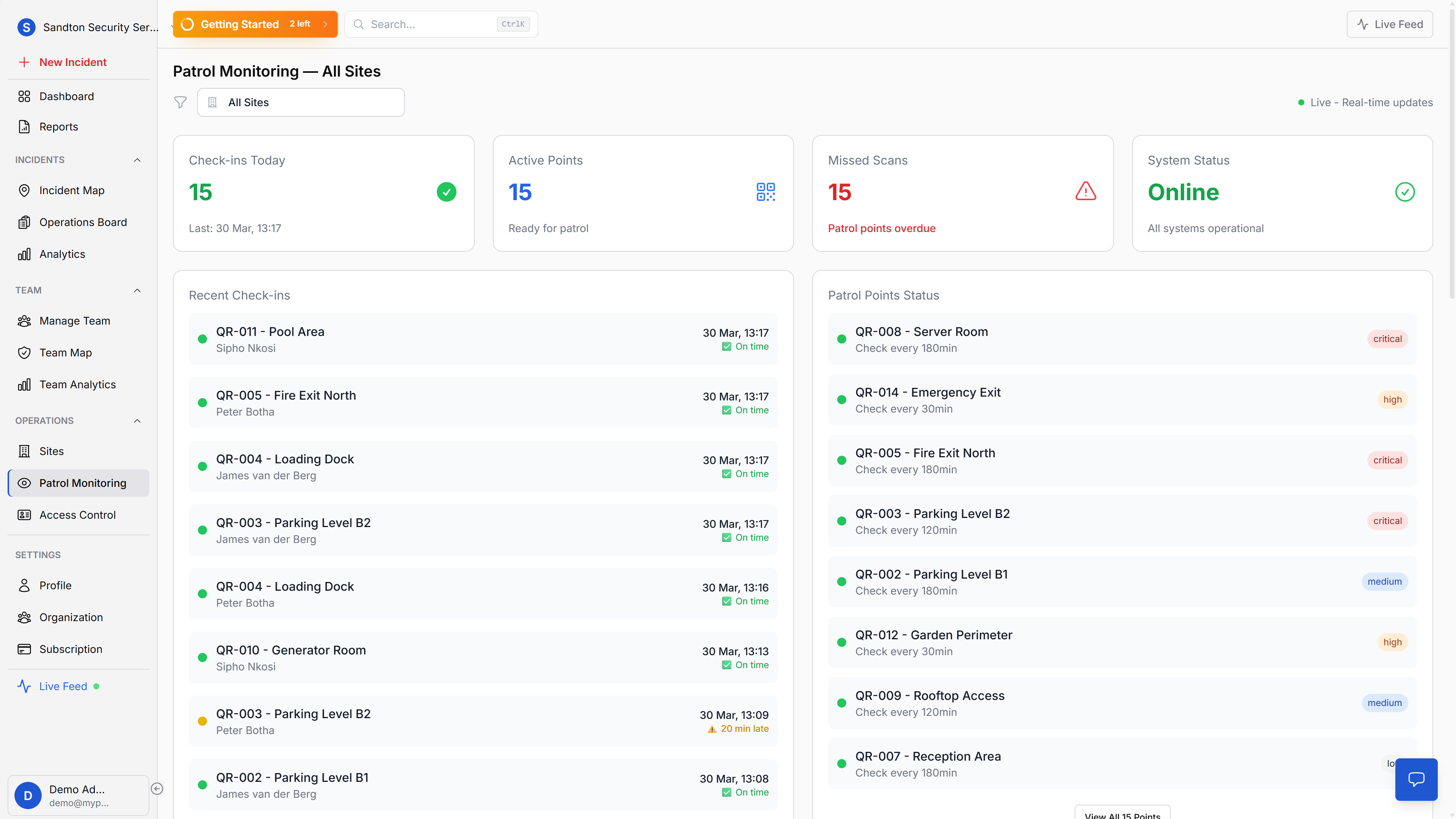
Every accepted scan needs context. MyProtektor records the checkpoint identity, timestamp, guard identity, GPS coordinates, and optional photo context for the scan.
One important boundary: the system records GPS with the scan, but it does not currently validate the guard's GPS position against the checkpoint's configured physical location. The mounted QR code is the proof-of-presence mechanism.
Offline resilience
Security patrols often happen in basements, parking garages, rural sites, and other areas where connectivity is unreliable. A useful patrol system has to keep working when signal drops.
MyProtektor queues patrol scans locally and syncs them when the device comes back online, so field work does not disappear because a guard walked through a dead zone.
How MyProtektor fits
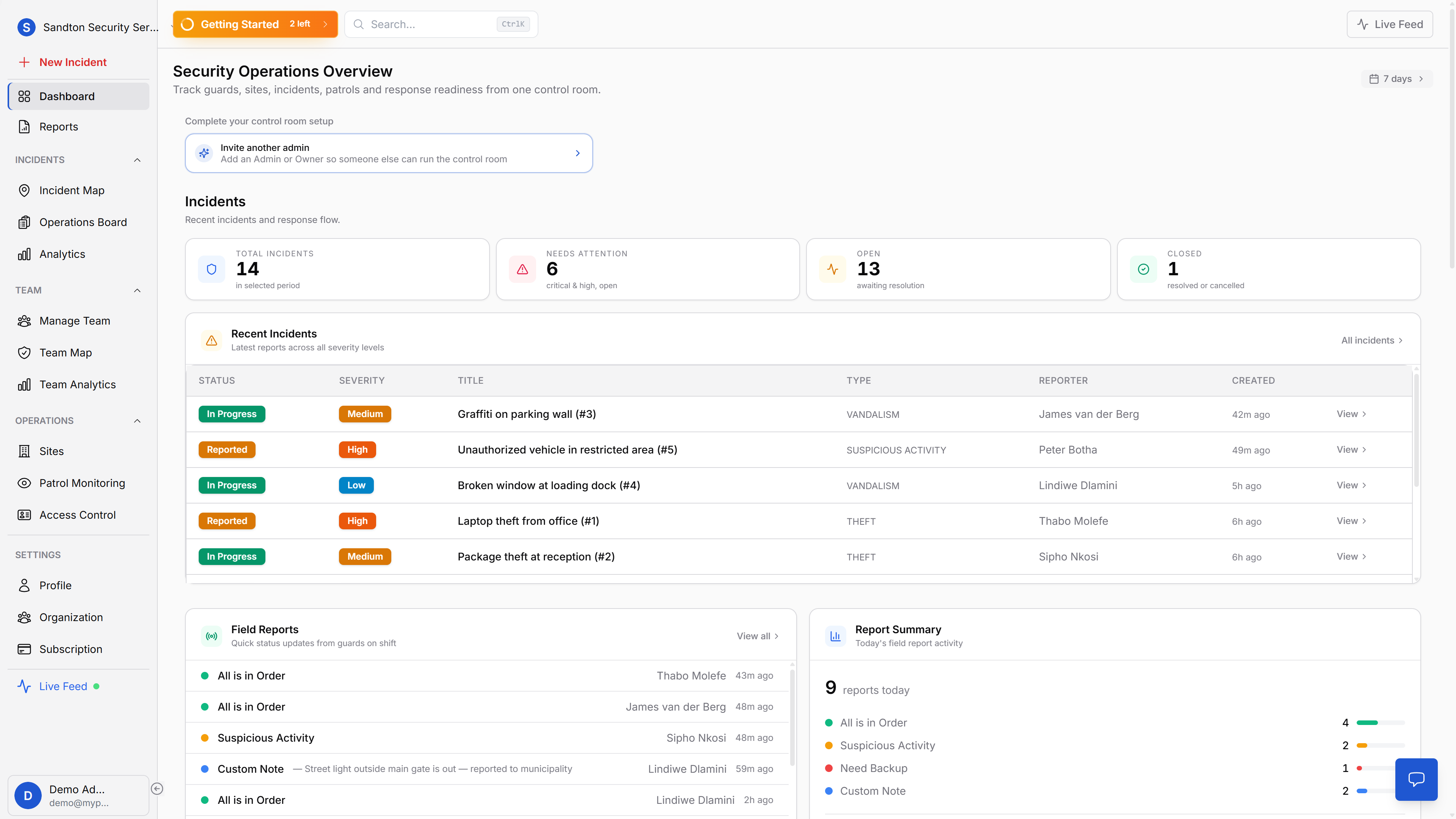
MyProtektor connects QR patrol verification to the rest of the security operation:
- Sites hold the operational context for locations and clients.
- Patrol points organize checkpoints that guards need to scan.
- The dashboard shows checkpoint status, including overdue, due soon, never scanned, and upcoming points.
- Reports can export patrol and guard movement evidence as PDF or CSV where available by plan.
- Mobile app workflows let guards scan checkpoints from the same app they use for shifts, incidents, access control, and panic alerts.
This keeps patrol proof close to the rest of the guard workflow instead of making patrols a separate hardware silo.
When QR patrol verification is enough
QR patrol verification is a good fit when you need proof that guards visited fixed locations at known intervals.
It works especially well for:
- perimeter checks
- gate and access-point checks
- plant rooms and utility rooms
- warehouses and loading bays
- farm buildings and remote outbuildings
- residential estates and industrial sites
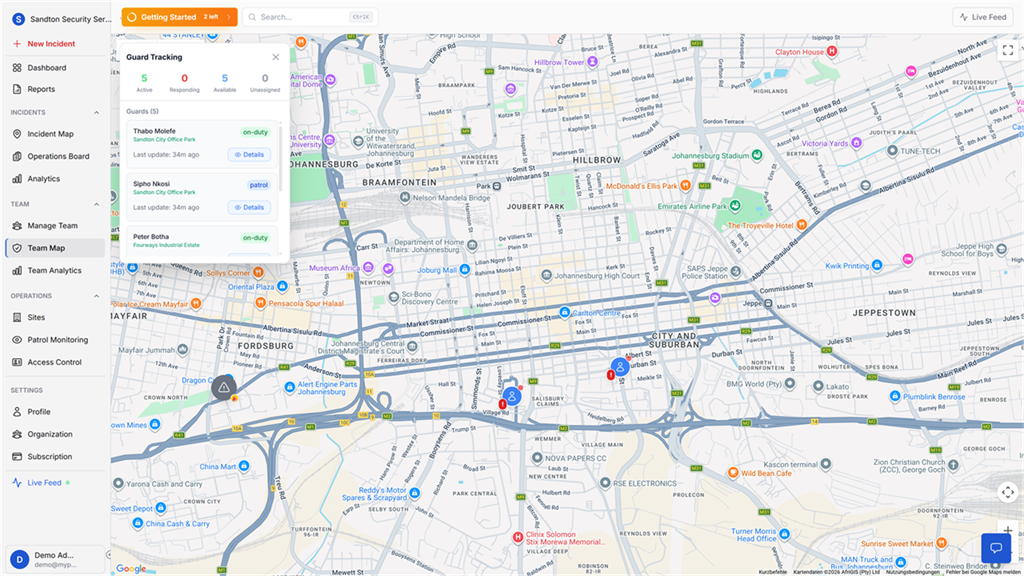
It is less suited to proving every meter of movement. For that, QR patrol evidence works best alongside GPS guard tracking and shift movement history.
The rollout pattern
Start with the points that matter most.
Choose 5 to 15 checkpoints for one site. Mount the QR codes. Tell the guard team exactly which patrol points matter and why. Review the first few shifts in the dashboard, adjust checkpoint names and intervals, then expand to the next site.
The best patrol systems are not the most complicated ones. They are the ones guards can follow consistently and managers can trust when proof is needed.